—
Connecting to live rate…
Duration
5s
8s
15s
Stake
$100
Potential payout
+$85
Pick a direction

Practice trading without risking a cent. This free, browser-based trading simulator lets you buy and sell EUR/USD, Gold, Bitcoin and more with virtual funds and real-time price action, with no sign-up, no download, and no real money on the line.
A trading simulator is a tool that recreates the experience of trading the financial markets using virtual money instead of real capital. You place buy and sell orders against live-style price movement, watch your positions move into profit or loss, and learn exactly how the mechanics work, all in a completely risk-free environment.
It is the safest way to learn. Beginners use a trading simulator to understand how orders, spreads and volatility behave before committing real funds, while experienced traders use it to test new strategies and stay sharp between live sessions. Because there is no money at stake, you are free to make mistakes, and mistakes are where most of the learning actually happens.
Treat each session like real trading: decide why you are entering, where you would exit if you are wrong, and stick to the plan. The discipline you build here is exactly what transfers to live markets later.
Different asset classes move very differently. Practicing across several markets in the simulator is the fastest way to understand volatility and build instinct for price action.
 EUR/USD & ForexThe most traded currency pair in the world. A great starting point for a forex trading simulator. It is liquid, relatively orderly, and ideal for learning the basics of going long and short before tackling faster markets.
 Gold (XAU/USD)A classic safe-haven commodity. Use the gold trading simulator to feel how a market reacts to risk sentiment and trends, with moves that sit between calm forex and wild crypto.
 Bitcoin (BTC/USD)The headline cryptocurrency and one of the most volatile markets you can trade. A Bitcoin trading simulator is the smartest way to experience large, fast swings before risking real money.
 Indices & StocksMajor indices and individual shares let you practice trading broader market sentiment and single companies, rounding out your understanding across asset classes.
A practical approach is to master one market first, ideally EUR/USD, then deliberately move to Gold and Bitcoin to see how higher volatility changes the size of the swings and the discipline required to handle them.
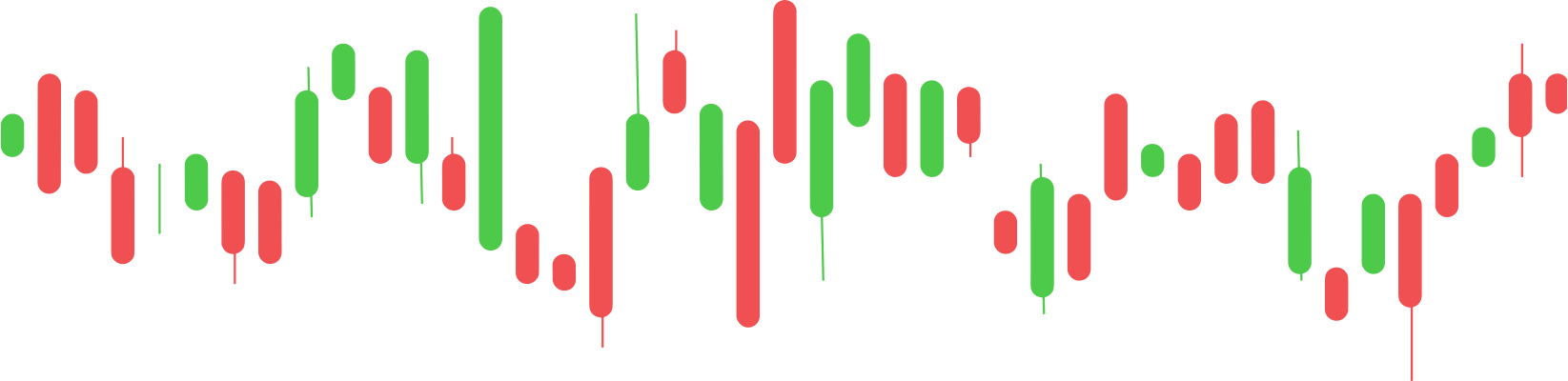
Price action in the simulator is shown as candlesticks, the standard chart most traders use. Learning to read them is one of the most useful skills you can practice here.
Each candle represents price movement over a set period. The thick part, called the body, shows where the price opened and closed. The thin lines above and below, called wicks or shadows, show the highest and lowest points reached during that period.
You do not need to memorise dozens of named patterns to start. Watching candles form live in the simulator teaches you the rhythm of a market far faster than reading about it.
A trading simulator is the perfect place to test how different styles fit your personality and schedule. Try each of these and see which one you can execute calmly and consistently.
Opening and closing positions within the same session to capture short-term moves. It demands focus and quick decisions, which makes risk-free practice especially valuable.
Taking many small trades to capture tiny price movements. Scalping is fast and intense, so the simulator lets you find out whether that pace suits you without paying to learn the hard way.
Holding positions for a longer stretch to ride larger moves. It is calmer than day trading and a good fit if you cannot watch the screen all day.
Identifying the direction a market is moving and trading with it rather than against it. Practicing this in the simulator builds the patience to wait for a clear trend instead of forcing trades.
Most beginners focus on finding the perfect entry. Professionals focus on managing risk. A simulator is where you build that habit before real money is involved.

Use the simulator to catch these habits early, because they are the reasons most new traders lose money when they go live:
Most people who start trading lose money early, not because the markets are impossible, but because they skip the practice stage. A trading simulator removes that risk while you build the skills that genuinely matter: the mechanics of placing and sizing trades, the discipline to cut losses, the patience to wait for good setups, and the emotional control to handle the swings of profit and loss before there is real capital on the line.
The two are often confused. A trading simulator is a standalone learning tool you can open instantly to practice reading price action and placing trades. A broker demo account mirrors a specific broker's live platform, spreads and order types, usually after you register. The simulator is the ideal first step to learn the fundamentals; a demo account is the natural next step to get comfortable with a real platform before you fund it.
Once you are consistent in the simulator, the proven path to real markets is gradual: open a free demo account with a regulated broker to test their live platform, then start trading a small amount you can genuinely afford to lose. The most important decision is which broker you trade with. Look for proper regulation in your country, transparent fees and spreads, fast execution, and responsive support.

These regulated platforms offer free demo accounts so you can move smoothly from practice to live markets.

A quick glossary of the terms you will come across while using the trading simulator:
A trading simulator lets you buy and sell financial instruments using virtual money instead of real cash. It reproduces price movements and the mechanics of placing trades, so you can practice strategies and learn how markets behave without taking any financial risk.
Yes, it is completely free. You get a virtual balance to trade with and can reset it anytime. There is no cost and no real money involved.
No. The simulator runs directly in your browser. There is no account to create and nothing to install, so you can start practicing immediately on desktop or mobile.
Popular markets including forex pairs such as EUR/USD and GBP/USD, commodities like Gold (XAU/USD), cryptocurrencies such as Bitcoin (BTC/USD), and major stock indices. Each behaves differently, helping you understand volatility across asset classes.
Most beginners start with EUR/USD because it is liquid and moves in a relatively orderly way. Once comfortable, practicing on Gold and Bitcoin teaches you how higher-volatility markets behave.
Going long means buying because you expect the price to rise. Going short means selling first because you expect it to fall. A simulator lets you practice both directions risk-free.
Similar but not identical. A demo account is offered by a broker and mirrors that broker's live platform and spreads. A simulator is a standalone learning tool focused on practicing order placement and reading price action, which makes it the ideal first step before a demo account.
No. A simulator uses virtual funds only, so any profit or loss is not real. To trade with real money you would open an account with a regulated broker, though real trading carries a genuine risk of losing capital.
The simulator reproduces realistic price movement and volatility so you can practice timing entries and exits. It is designed for learning the mechanics and discipline of trading rather than predicting real future prices.
There is no fixed rule, but a good benchmark is to practice until your results are consistent over many trades rather than lucky over a few, which often takes several weeks or months.
Once consistent in the simulator, open a free demo account with a regulated broker to test their real platform, then start live trading with a small amount you can afford to lose. Always choose a broker regulated in your jurisdiction.
Risk warning: Trading and investing involve a high level of risk and can result in the loss of all your capital. Past performance is not indicative of future results. The information and tools on this site are provided for educational purposes only and do not constitute financial, investment or trading advice. Nothing here is a recommendation to buy or sell any instrument. CFDs are complex instruments and come with a high risk of losing money rapidly due to leverage. Between 74% and 89% of retail investor accounts lose money when trading CFDs. You should consider whether you understand how CFDs work and whether you can afford to take the high risk of losing your money.
Affiliate disclosure: This site may earn a commission from links to brokers and trading platforms, at no extra cost to you. This does not influence which platforms we describe, and you should always do your own research before opening an account.